

Bottom line: verify the app function you need
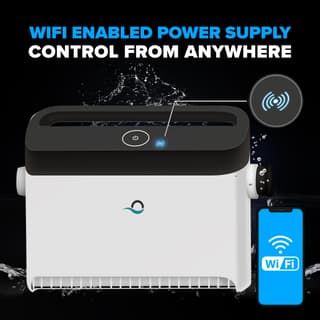
Depending on the model, an app may support scheduling, cycle selection, status, steering, or retrieval assistance near the waterline. Wi-Fi on the product name does not guarantee every function, continuous remote control, or compatibility with every phone and network.
Connected model choices
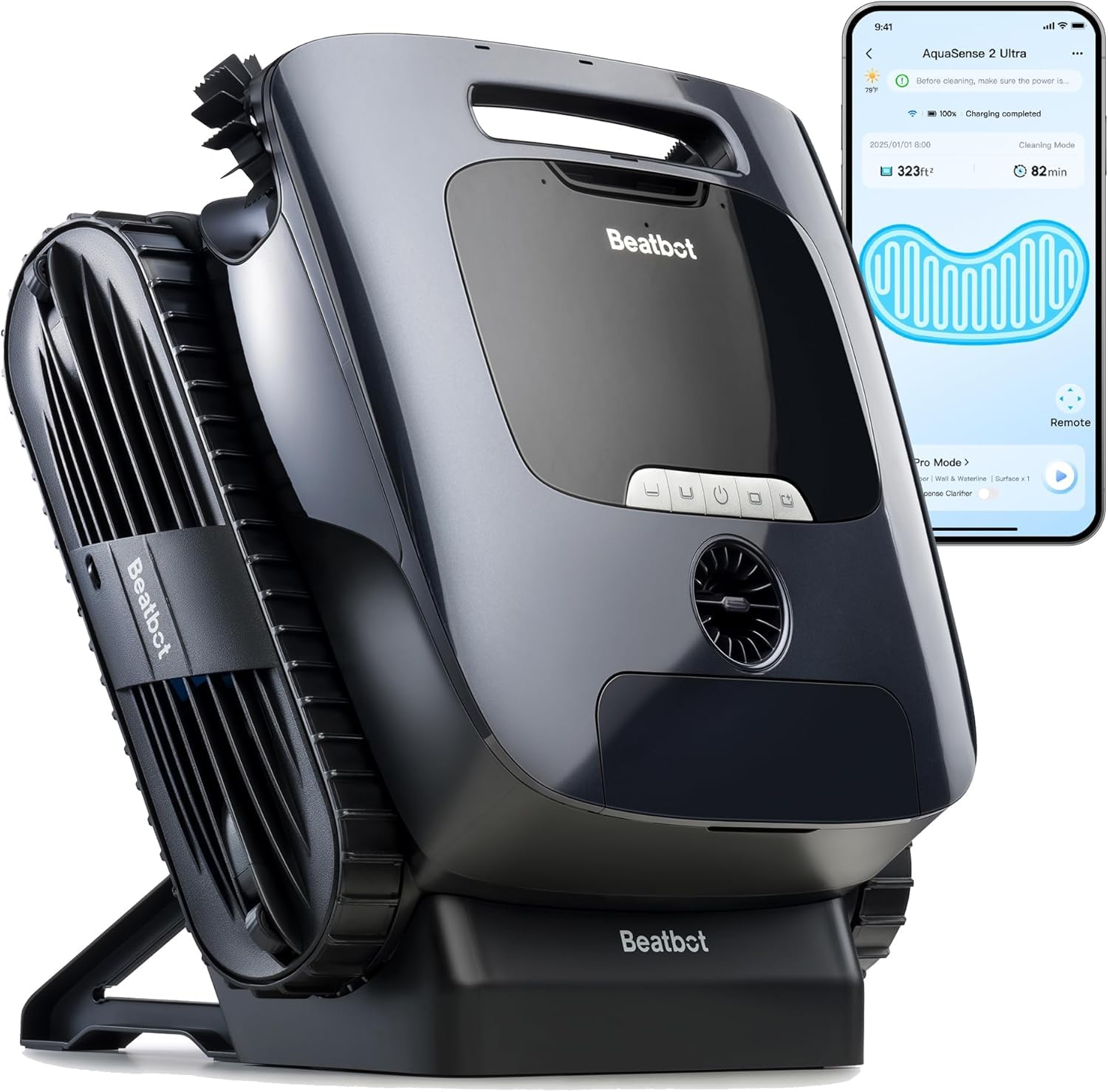
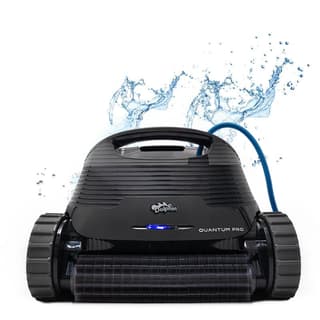
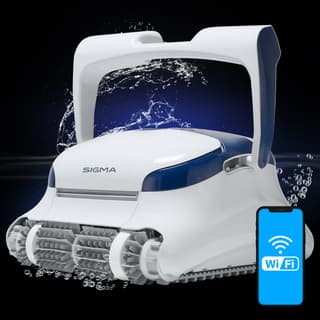
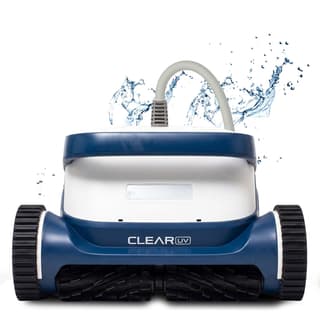
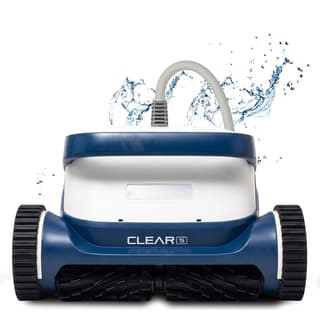
Current listings pair the Dolphin Quantum and Sigma with myDolphin Plus™, Clear UV and Clear S with their controls, and selected Nautilus, M600, Explorer, or Beatbot cordless models with their respective apps. The M600 listing also names a caddy. Make sure the exact model suffix, app name, supported operating-system version, and current feature list before buying.
Common app functions to compare
- Scheduling: compare available intervals and whether edits require an active connection.
- Cleaning modes: verify which zones and cycle choices the exact cleaner supports.
- Steering or pick-up modes: treat these as exact conveniences, not guaranteed navigation features.
- Status and alerts: make sure what is measured rather than assuming the app detects a full filter or missed area.
Plan for connection and maintenance
Check signal where the cleaner's connected component operates, keep account and firmware access current, and retain the manual controls for troubleshooting. Wi-Fi does not change filter rinsing, cable or battery care, brush inspection, or basic pool compatibility. If remote control is not useful, compare a weekly-timer model or the broader premium tier by cleaning capability instead.