What Unattended Does Not Mean
Unattended means you are not standing there during the cycle. It does not mean the robot looks after itself for a season. Robots with a timer or app schedule are made to stay in the water between scheduled cycles, but lift yours out at least weekly to empty and rinse the filter, and more often in leaf season. Take it out before shocking the pool or adding chemicals. Before a long idle stretch, bring the robot out and keep it dry and shaded.
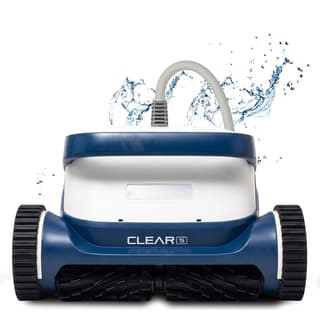
Keep swimmers out while it runs. Cycles on these picks last 2 to 3 hours, or as little as 1 hour in the Clear S Fast mode, so one fits easily into a workday or overnight.
Timer or App: Which Schedule Suits an Empty House
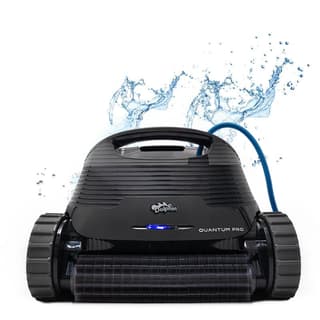
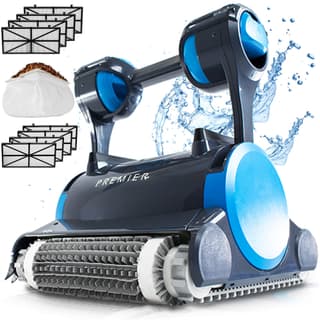
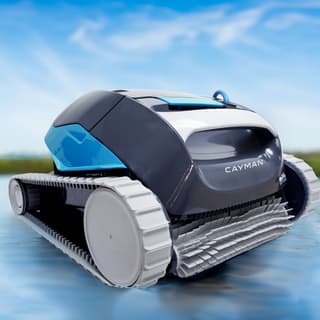
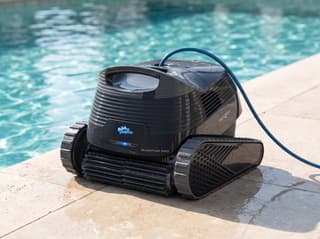
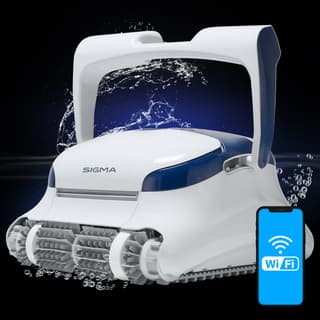
A power-supply timer is the simpler tool. The Premier, Quantum and Cayman timers repeat without a phone, a login or Wi-Fi, which makes them the dependable choice where the signal at the pool is weak. An app schedule is the flexible one. If you travel and want to skip a cycle before a storm or add one after a party, the app earns its cost. If you want the same cycle at the same interval all summer, it does not.
Above-ground owners should know that the Dolphin Escape has no timer as standard. Its optional Automation Timer power supply runs a cycle every 24, 48 or 72 hours, and with that fitted it can work unattended too.
Before You Leave It to Run
- Run the first two or three cycles while you are home. Watch where the robot hesitates, such as a ladder or a raised drain cover, before you trust the schedule.
- Pick one emptying day a week and keep it, alert or no alert. In leaf season, make it two.
- Give the cable a clear run from the power supply, away from furniture legs and planters.
- Plan chemicals around the schedule: lift the robot out before you shock the pool, and put it back once the water has returned to its normal range.